
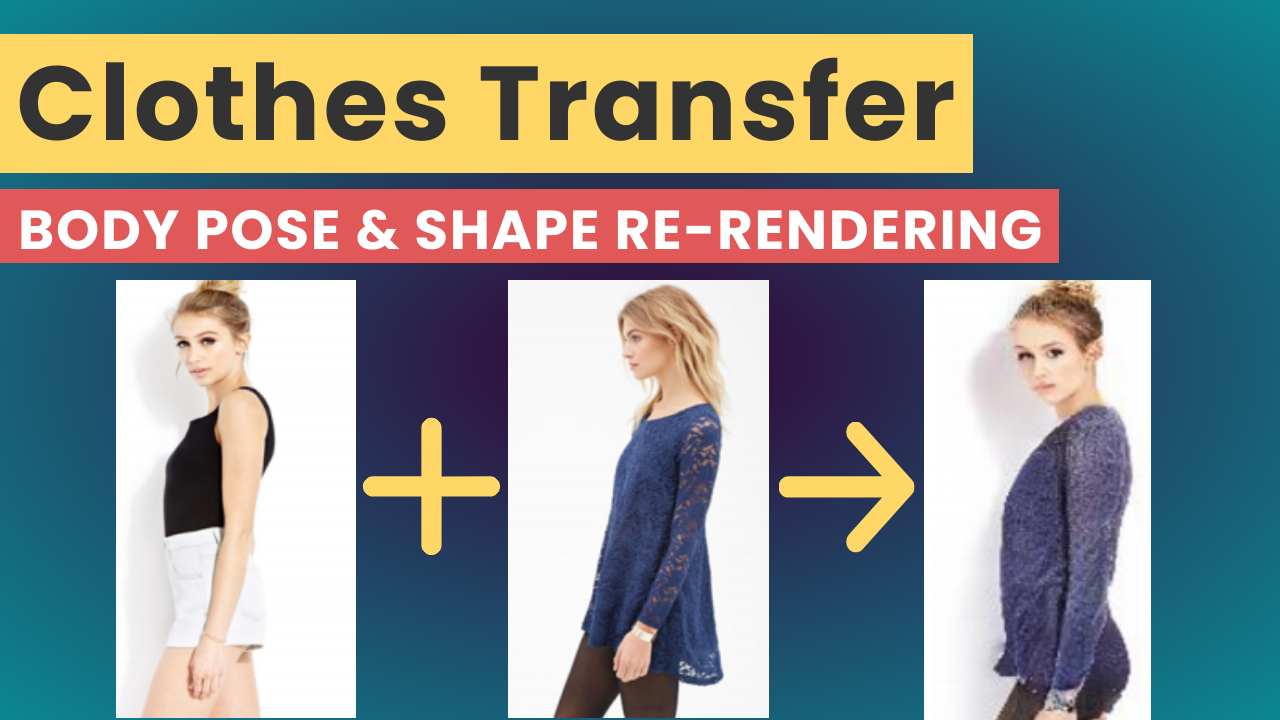
The short version
Garment transfer takes a target person and clothing from another image, estimates the person’s body shape and pose, encodes appearance in a learned UV feature map, and renders the recombined result with a Pix2PixHD-based generator. This 2020 research pipeline can synthesize a plausible view or new pose, but it is an image re-rendering method, not a guarantee of physical fit.
Watch the video and support me on YouTube!
The algorithm represents body pose and shape as a parametric mesh that can be reconstructed from a single image and easily reposed. Given an image of a person, they are able to create synthetic images of the person in different poses or with different clothing obtained from another input image.
Garment Transfer
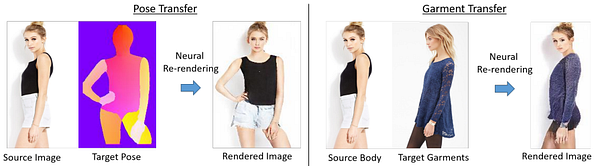
This article is about a new paper from Facebook Reality Labs that will be presented at the European Conference on Computer Vision (ECCV) 2020. Where they worked on human re-rendering from a single image. In short, given an image of a person, they are able to create synthetic images of the person in different poses or with different clothing obtained from another input image. This is called pose transfer and garment transfer.
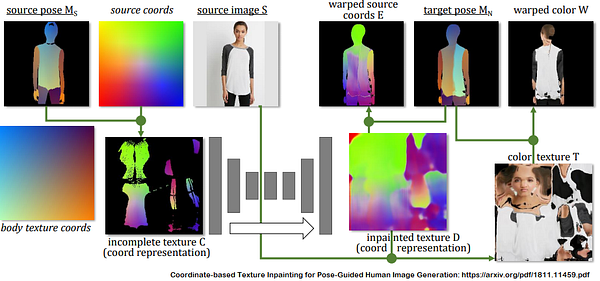
Most current approaches use a color-based UV texture map. Where for each texture pixel of a feature map, a corresponding pixel coordinate in the source image is assigned. This correspondence map is then used to estimate the color texture between the input and the target image on the common surface UV system.
The main difference with their new technique is that instead of using this color-based UV texture map, they employ a learned high-dimensional UV texture map to encode the appearance. This is a way of getting more details on the appearance variation across poses, viewpoints, personal identities, and clothing styles of a picture. This may sound abstract, but before showing some results, let’s dive a bit deeper into the process to clear everything up.
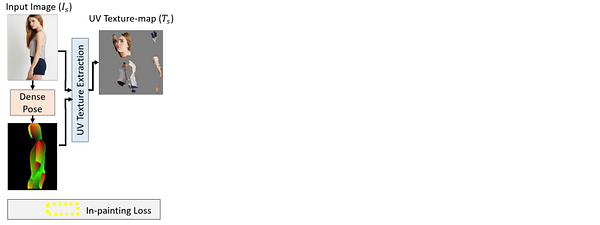
Given a specific image of a person, they were able to synthesize a new image of the person in a different target body pose. This new technique is basically composed of four main steps:
Using DensePose, developed in another paper, they were able to use the correspondences found between the input image and the SMPL in order to extract the partial texture represented in the UV texture map discussed earlier.
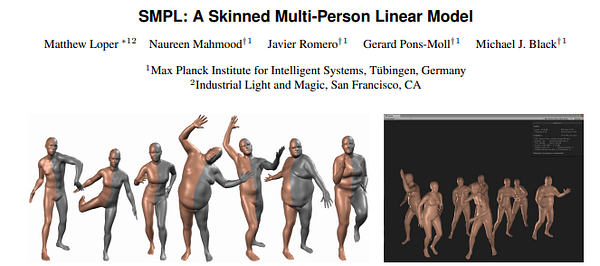
In short, the SMPL is a realistic learned model of human body shape available for research purposes.
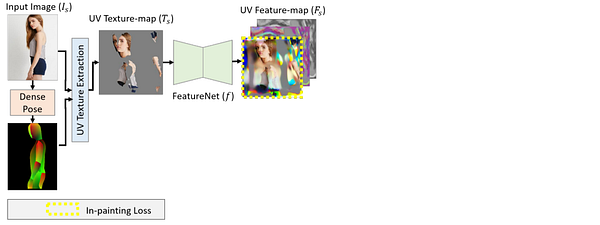
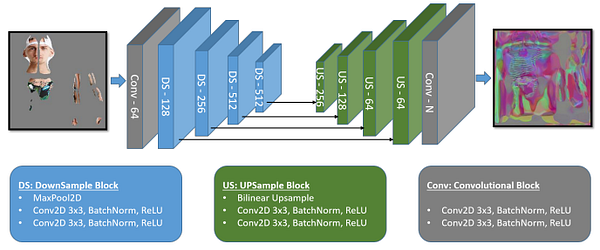
Then, using FeatureNet, which is a U-Net-like convolutional network shown in this image. They convert the partial UV texture-map to a full UV feature-map, which gives a richer representation for each texture pixel.
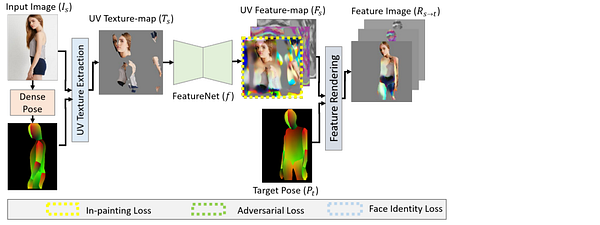
The third step takes a target pose as input as well as the UV feature map recently found in order to “render” an intermediate UV feature image.
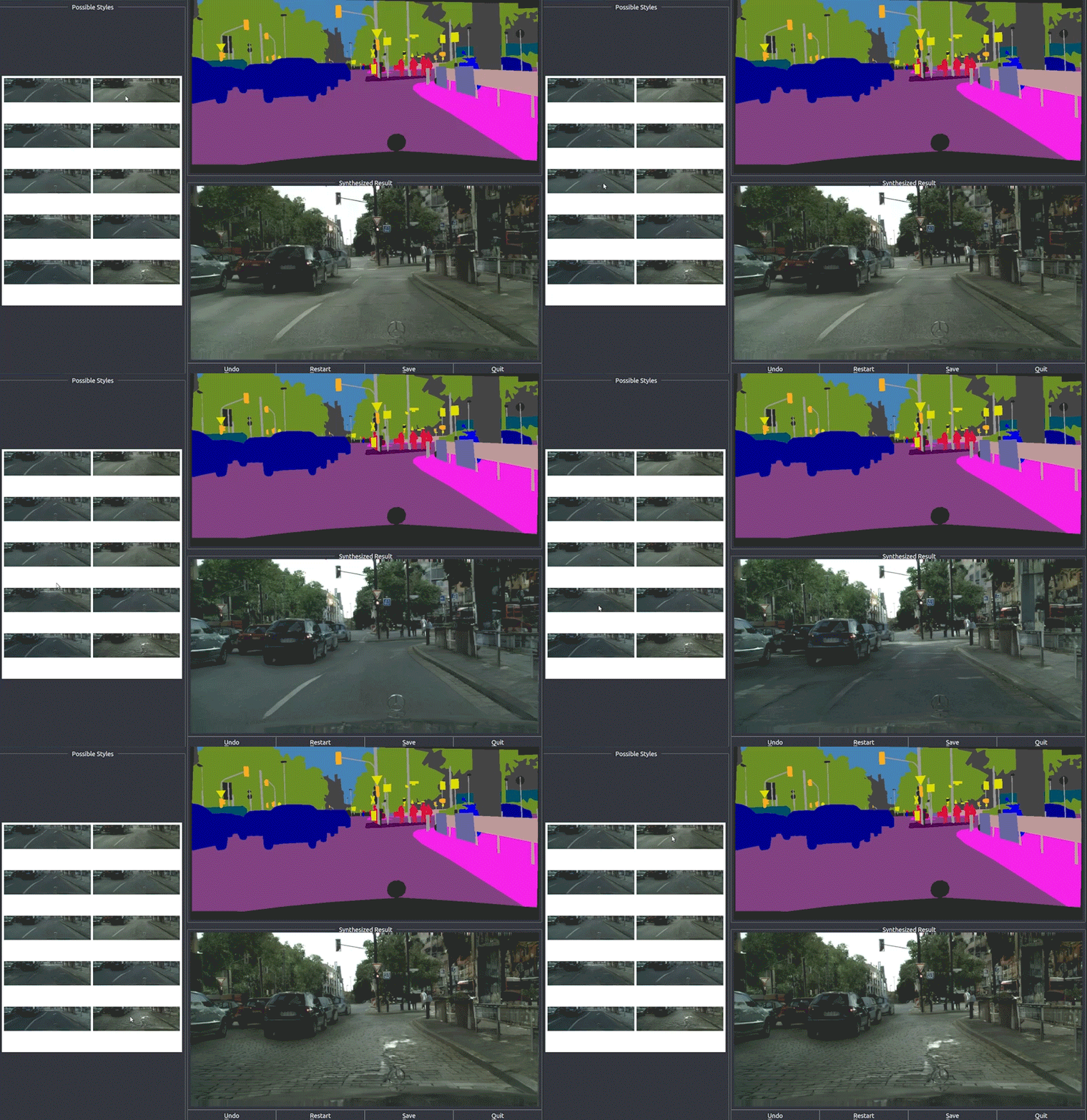
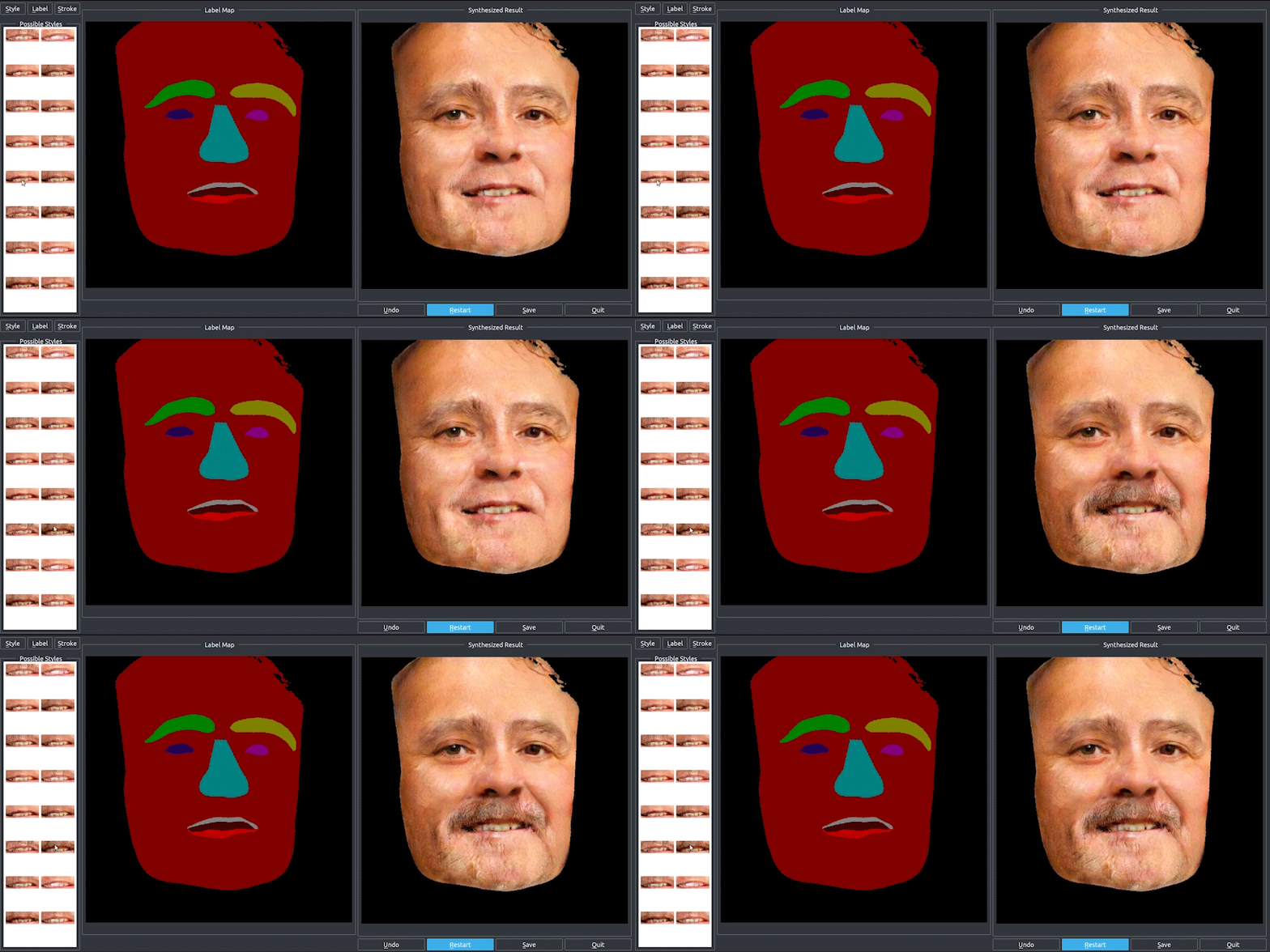
Finally, they use RenderNet, a generator network based on Pix2PixHD, which can be used for turning semantic label maps into photo-realistic images or synthesizing portraits from face label maps. In this case, Pix2Pix was used on the feature image to generate a photorealistic image of the reposed person. All the papers involved in this new technique are linked below if you’d like to learn more about them.
The paper: https://gvv.mpi-inf.mpg.de/projects/NHRR/data/1415.pdf
Project: https://gvv.mpi-inf.mpg.de/projects/NHRR/
Pix2PixHD: https://github.com/NVIDIA/pix2pixHD
U-Net: https://arxiv.org/pdf/1505.04597.pdf
SMPL: https://dl.acm.org/doi/10.1145/2816795.2818013
If you like my work and want to support me, I’d greatly appreciate it if you follow me on my social media channels:
- The best way to support me is by following me on Medium.
- Subscribe to my YouTube channel.
- Follow my projects on LinkedIn
- Learn AI together, join our Discord community, share your projects, papers, best courses, find kaggle teammates, and much more!
FAQ
What is garment transfer?
It generates an image of a person wearing clothing taken from a separate reference photograph.
Which inputs does the model need?
It uses one image of the target person and one image showing the desired garment.
How does the model account for body pose?
A parametric body mesh estimates shape and pose so the garment can be warped to the target.
Why is clothing transfer difficult?
Fabric must follow body geometry while preserving texture, handling occlusion, and fitting lighting and pose.
Does a virtual result guarantee physical fit?
No. A generated appearance cannot replace garment measurements or predict comfort, fabric behavior, and exact sizing.