
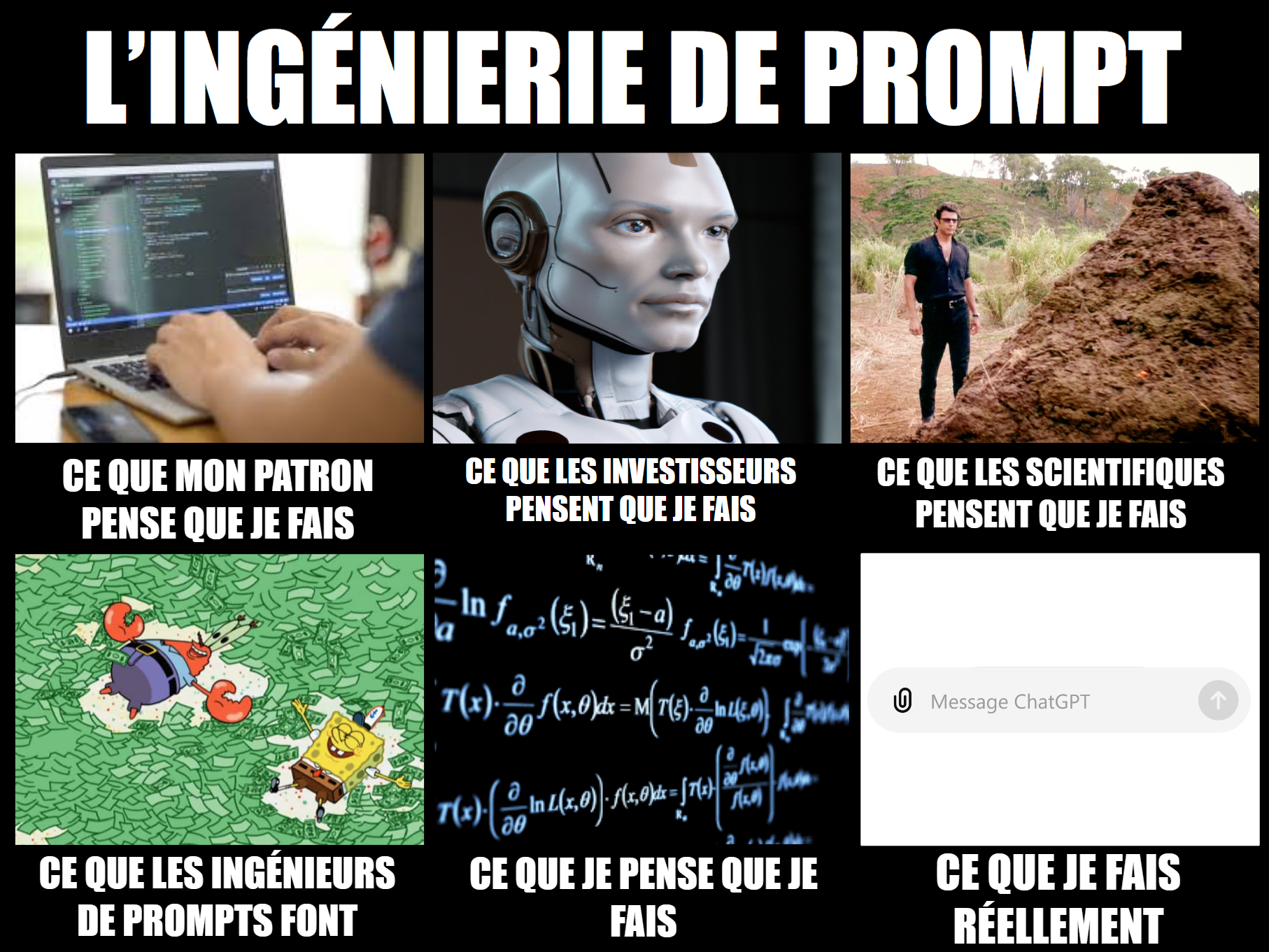
The short version
Effective prompting is mostly clear communication: state the task, provide useful context, and show examples when they help. Zero-shot, few-shot, prompt chaining, and RAG are simple patterns with technical names. For production outputs, control matters too, so use validation, JSON or tool calling, constrained sampling, and model settings according to the task and the model you actually have.
- Effective prompting starts with clear, concise communication and relevant examples when they help.
- Zero-shot, few-shot, chain-of-thought, chaining, and RAG are technical names for fairly simple ideas.
- Temperature, validation, constrained sampling, and tool calling help control both the content and structure of model outputs.
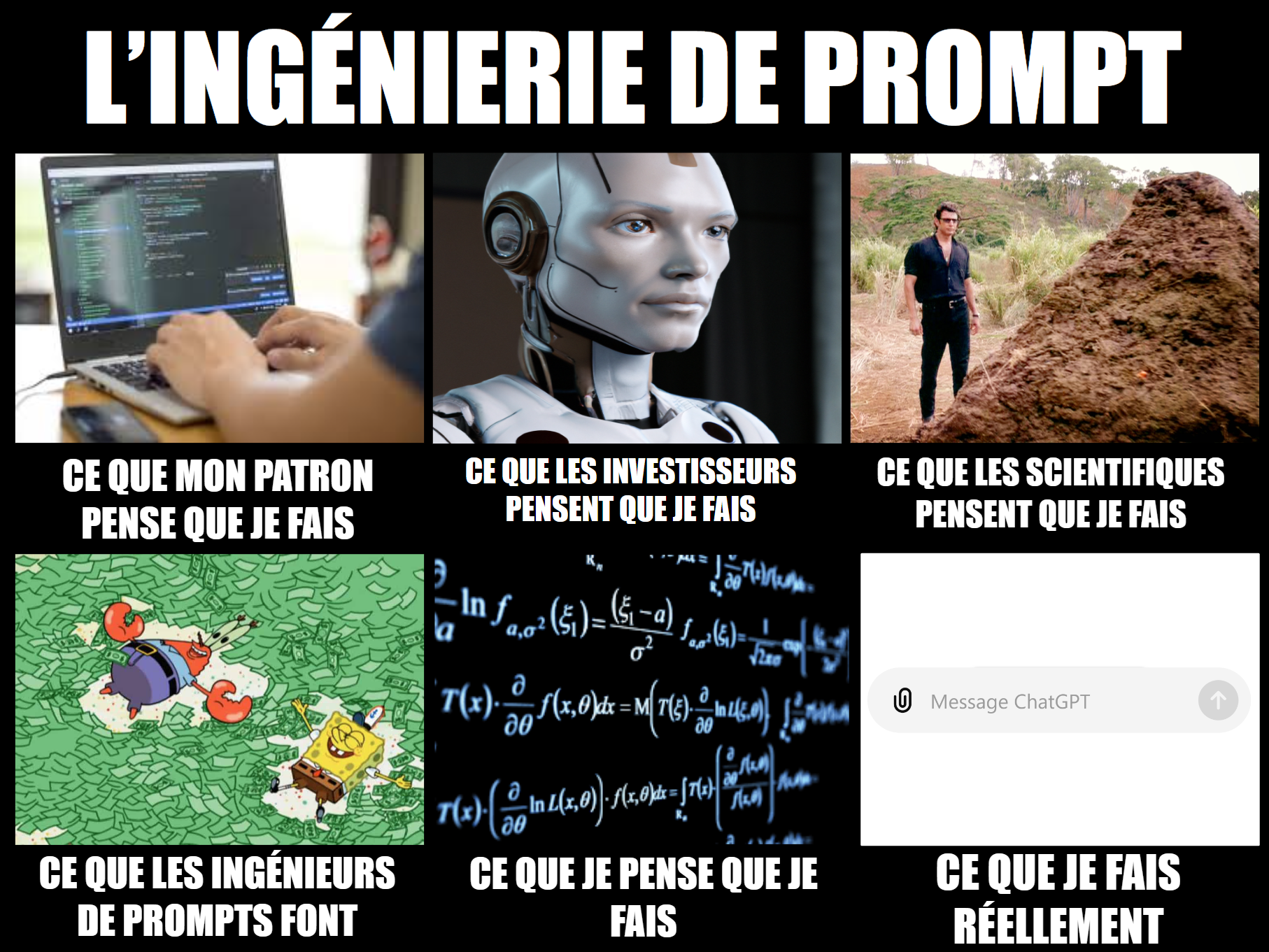
Hello everyone!
Today’s edition focuses on the current prompting problem. We will cover the basics and add a few so-called “advanced” techniques that are really just common sense wrapped in sophisticated jargon.
Despite all the media hype around “advanced” prompting techniques, it really comes down to telling the model what you want in plain language.
It is all about good communication.
Give directions: be clear, be concise, and maybe add a few examples if you are feeling generous.
Here is our short opinion piece on instructions…
1. Understanding Prompting
A prompt is the input or instruction given to a model to generate text. Designing an effective prompt can significantly improve the quality and relevance of the model’s answers. But it is nothing too complex. It is simply good communication, saying what you want clearly and concisely, and adding examples when possible.
In their simplest form, prompts can be questions or instructions, such as asking a model to complete a sentence:
-
Prompt: “Complete this sentence: The sky is”
-
Answer: “The sky is blue during the day and dark at night.”
Although this is basic, more context or detailed instructions can lead to better-managed results. This is the essence of prompt engineering, where you optimize prompts for specific tasks to get the most relevant and precise results. Most “advanced” techniques are greatly exaggerated, apart from the few we will mention in this edition.
2. Prompt Formatting Basics
Prompt formatting is extremely important for helping the model understand what you want. Use clear bullet points or numbered lists to give your instructions or the steps to follow. Just imagine writing the best possible Slack message to give a colleague a new task, and you should be good.
Most importantly, proofread yourself and use a writing assistant! Silly typos change words and affect how models interpret them.
Tools such as Anthropic’s Generate a Prompt feature or Cohere’s Prompt Tuner can help. These tools optimize your initial prompt, making it more detailed and clear to improve performance on the desired task. But you still do not want to depend on these tools before learning the prompting basics yourself.
For example, the simple French prompt "Complétez les phrases que les utilisateurs vous donneront", meaning “Complete the sentences users give you,” could be completely transformed into the following using Anthropic’s Generate a Prompt feature:
"""
You are tasked with completing sentences that users provide. Your goal is to finish the sentence in a way that is grammatically correct, coherent, and contextually appropriate.

Here is the incomplete sentence:
<incomplete_sentence>
{{INCOMPLETE_SENTENCE}}
</incomplete_sentence>

To complete the sentence:
1. Carefully read the incomplete sentence and understand its context and tone.
2. Consider several possible endings that would make sense given the beginning of the sentence.
3. Choose the most appropriate and natural ending.
4. Make sure your ending maintains the grammatical structure and tense of the original partial sentence.
5. Make sure the complete sentence is coherent and conveys a clear message.

Provide your completed sentence inside <completed_sentence> tags. The completed sentence should include both the original incomplete part and your addition, forming a complete sentence.

Now, please complete the given sentence:

<completed_sentence>
"""
3. “Advanced” Prompting Techniques
As we said, there is no advanced technique for writing prompts. You simply need to learn how to talk with language models and get what you want through trial and error.
The best you can do is:
-
Be clear.
-
Be concise.
-
Ask the model to provide its reasoning steps.
-
Iterate (chain) with the model.
Here is a little more detail, with the proper names, on the only “techniques” you need to know…
Zero-shot Prompting, aka “Do This”
This simply means clearly saying what you want. Give the model instructions without providing examples. It is useful for simple tasks where the model has enough prior knowledge:
-
Example: “Classify the following text as positive or negative: ‘I had a great day!’”
-
Answer: “Positive.”
Note: “Zero-shot” comes from the literature and is used to describe what a model can do without additional information. It is a way for scientists to describe a model’s raw capabilities. A complicated word for a simple concept.
Few-shot Prompting, aka “Here Are a Few Examples”
Few-shot prompting is the best thing you can do without retraining a model. It improves the model’s ability to perform a task by providing a few examples, such as question-and-answer pairs, alongside the main prompt. This specificity helps the model understand the task better:
-
Format:
-
“Q:
? A: ” -
“Q:
? A: ”
-
We generally provide 3 to 5 examples of questions and/or answers, which shows the model how it should behave. This approach gives you the best return on effort for running a new task the model was not trained to perform.
Chain-of-Thought, aka “Think Before You Act”
Chain-of-thought (CoT) prompting is probably the best method for making your language model more “intelligent.” It works wonders. With CoT, we ask the model to break down its reasoning steps. More clearly, the model is asked to solve problems step by step, which is especially useful for complex tasks such as mathematical reasoning or generating complete text summaries:
-
Prompt: “Let’s think through this step by step to solve the math problem: ‘What is 23 + 56?’”
-
Answer: “First, we add 20 and 50 to get 70. Then, adding the remaining 3 and 6 gives 9. So, 70 + 9 equals 79.”
This essentially acts as a manual mechanism for reproducing our thought process, just as we would think before giving our final answer. The model generates text little by little, and every time it generates a new word (called a token), that word is added to the context alongside the original prompt. This dynamically updated context helps the model “think” by breaking the task down step by step. Ultimately, this means that when you prompt a model, you force it to generate additional knowledge before answering and then use that knowledge.
So when you ask the model to “think before acting,” all the intermediate text it generates, which usually contains the first steps or an action plan, is in its context. This helps it “understand” the request and plan before giving its final answer. It is something all humans should do too!
Prompt Chaining, aka “Having a Conversation”
Prompt chaining simply means iterating with the model. It is basically a back-and-forth with the AI to improve or correct its response. You can do it manually or through automated prompts. It has a goal similar to CoT, but in a more dynamic way. The model receives more, higher-quality context, which once again helps it think. It generally uses you, other language models, or APIs to “discuss” and obtain new results. It also lets you add more dynamic content to prompts based on how the “discussion” or exchange progresses.
Retrieval-Augmented Generation, aka “Search Before Answering”
You can draw a parallel with retrieval-augmented generation (RAG). RAG simply retrieves the most relevant information from a database before forming a prompt for a language model. Then you add that retrieved information to the user’s question inside the prompt. Here, we are essentially adding useful context to the initial prompt before sending it to the model.
- Prompt: “Here is some contextual information to answer the user’s question:
. Answer this question: ”
This helps the model answer the user’s question with specific knowledge. You can add as much relevant text as the model can handle.
Obviously, some features let you use the Internet, which is equivalent to a RAG database, except that the database is the Internet.
For example, with ChatGPT, you can ask the model to use its web search tool before answering. This is very effective when the answer you need requires up-to-date information.
- Prompt: “Which country has won the most Olympic gold medals so far? Use the web search tool before answering.”
4. Optimizing Results
Beyond the prompt, there are other methods for improving both the quality of the content and the structure of the results.
For better content, you can adjust the temperature parameter to control randomness: lower values for more deterministic results and higher values for more creative results. You can also implement self-consistency, aka choosing the most frequent answer, by prompting the model several times with the same input and selecting the answer it chooses most often.
Post-generation Regex checks can be used to make sure the model’s output follows a specific format. For example, you could mask URL generation for security reasons if you are building an application for clients by detecting “http(s)://www…” or identifying a domain such as “towardsai.net.” Another example would be checking whether the result follows valid JSON format.
Constrained sampling, aka blacklisting words, is another similar concept. You tell the model which words or parts of words to blacklist from a language model’s vocabulary during generation. With this method, the model cannot produce blacklisted words and can therefore generate only the words you want. The approach provides precise control over the output format with minimal performance impact because it simply filters words during generation, compared with post-generation checks that could be done with Regex validation.
Note: This method requires full access to the model. You can use llama.cpp to apply this technique with an open-weight model such as Llama 3, but you cannot use it with a model accessed through an API such as GPT-4o.
With OpenAI and most other large language models, you can use tool calling, also called function calling. Not every model can do this because it requires specific training. In JSON mode, language models are trained to generate output formatted as valid JSON, while function calling lets you provide a function signature and have the model return the arguments for calling that function in valid JSON format.
When experimenting with these approaches, consider not only the tradeoffs between creativity, precision, and structure, but also the capabilities of the language model you choose. For example, you could combine temperature adjustment and self-consistency to improve the content, then apply an appropriate structuring method based on the capabilities of your language model and your specific needs, which will change if you move from Llama to Claude.
FAQ
What makes a prompt effective?
It is a clear, concise instruction that explains the expected result and adds context or a few examples when they help the model.
Are advanced prompts really advanced?
Most of them describe good communication habits under a technical name. Their value comes from applying them, not from the jargon.
What is the difference between zero-shot and few-shot prompting?
Zero-shot gives an instruction without examples, while few-shot provides a few examples that show the model the expected behavior.
What is chain-of-thought prompting for?
It asks the model to break a problem into steps, which can improve results on complex reasoning tasks.
What is prompt chaining?
It means iterating with the model, manually or automatically, to improve, complete, or correct an answer.
How does RAG improve a prompt?
It retrieves relevant information first and adds it to the prompt context so the model can give a more precise and specific answer.
How can you control the format of an LLM response?
You can use Regex validation, constrained sampling, JSON mode, or function calling, depending on the model’s capabilities.
What does temperature control?
A low temperature favors deterministic results, while a higher value generally produces more creative responses.