
The short version
I keep reusable notes and skills in an Obsidian vault, run Claude Code and Codex on an always-on Mac mini, and connect remotely from my phone or laptop. I choose different agents for planning, execution and scheduled work.
- Keep reusable knowledge in files your different agents can reach.
- A separate awake host lets remote sessions and scheduled work continue when your laptop closes.
- Use task-specific model choices and maintain the context those tasks depend on.
I don’t want closing my laptop to mean stopping my agents. And I don’t want hitting a Claude limit to mean rebuilding my working context in Codex.
Those were the problems behind my current setup.
I work on a Windows computer at home, use my MacBook when I travel, and want access from my phone too. I run a lot and I’m often away. Being able to continue a task shouldn’t depend on sitting in front of one particular machine.
I’m Louis-François, CTO and co-founder of Towards AI. We train AI engineers and build AI solutions for companies, and this setup supports both sides of my work, along with my own writing and videos.
I put together an Obsidian vault template if you want to borrow the structure. You can start with the files and add the rest when it solves a problem for you.

A September snapshot of my setup. Model versions change. The structure is what I want to keep: files I can reuse, a host I can reach, and different tools for different jobs.
I keep my reusable context outside the chat
The first problem was having useful information scattered across tools and projects.
A skill written for one agent could remain on my Windows computer. A project conversation could contain decisions that another agent had never seen. Switching tools was possible, but carrying the useful context over took work.
So my personal notes and skills now live in an Obsidian vault. I have folders, smaller folders inside them, and indexes linking to the relevant material. My agents can use those files when I give them access to the vault.
Obsidian is convenient for me because I use it across my phone, Mac and Windows computer. Underneath the app, the notes are ordinary Markdown files in a folder. That file structure is documented by Obsidian, and it matters to me: the knowledge doesn’t have to live inside a particular chat product.
The vault also holds my meeting notes. I use Granola and scripts that bring those notes into the same place, so a task can use the relevant meeting context.
An index is more useful than loading everything
Keeping the material in one place creates another problem as the vault grows.
I don’t want an agent to read every old meeting, video idea and skill just to complete one task. The index gives it a starting point and tells it where the relevant information lives.
My skills are organized the same way. A skill explains a recurring job, with examples or assets when those help. The skills index explains which one to open for which kind of task.

From the recording at 12:46. The index routes the agent to the instructions it needs; it isn’t a substitute for reading them.
For example, a video release can use my writing rules, the relevant script and thumbnail references. It doesn’t need all the context from an unrelated company project.
That is why I care about the organization of the files as much as the files themselves. A growing archive needs a way to find the useful parts.
I put the agents on a machine that stays awake
For that, I use a Mac mini as an always-on host for Claude Code and Codex. Perplexity sent me the machine a few months ago. I also have an external SSD attached for more storage.
My laptop can close because the work can stay on the Mac mini. The host still needs to be awake, online and running the relevant software.
This doesn’t require copying my exact hardware choice. What matters for this part of the setup is having a machine that can run your tools reliably while you are away. In my case, it also gives scheduled jobs somewhere to run overnight.
The Mac mini is hosting the agent tools. That is separate from running the underlying frontier models locally.
My phone connects to the workspace
For Claude Code, I use Remote Control. From an existing session, the /rc command lets me continue through the browser or the mobile app.
Claude’s documentation describes the same distinction I care about: the session runs on the host machine, with its local files and tools available, while the phone or browser provides remote access.
For Codex, I use its remote connection features, with Tailscale as part of my setup. I can also connect to the Mac mini’s desktop when I need to debug something directly.
Usually, I just want to reach the task. In my walkthrough, I show thumbnail generation on my computer and then open the task from my phone. That is much more useful to me than starting a separate chat without the files and skills behind the work.
It isn’t perfect. Some long conversations load slowly or need another attempt. I still prefer having access to that workspace when I’m away.
Remote access also needs connectivity. The useful promise is that I can change the device I use to reach the work; it doesn’t make a sleeping host or an offline connection available.
I give Claude Code and Codex different jobs
I like both tools, but my experience with them depends on what I’m asking them to do.
For scheduled tasks, I’ve found Codex more dependable. With Claude, I’ve had tasks stop at something I could get it to finish by prompting again. That interruption matters more when I’m not there to reply.
For broader planning and management, I tend to prefer Claude Code. I’ve had Codex keep working on long-running goals without making the progress I wanted. Watching a task stay busy is frustrating when you still have to work out whether it is getting closer to done.
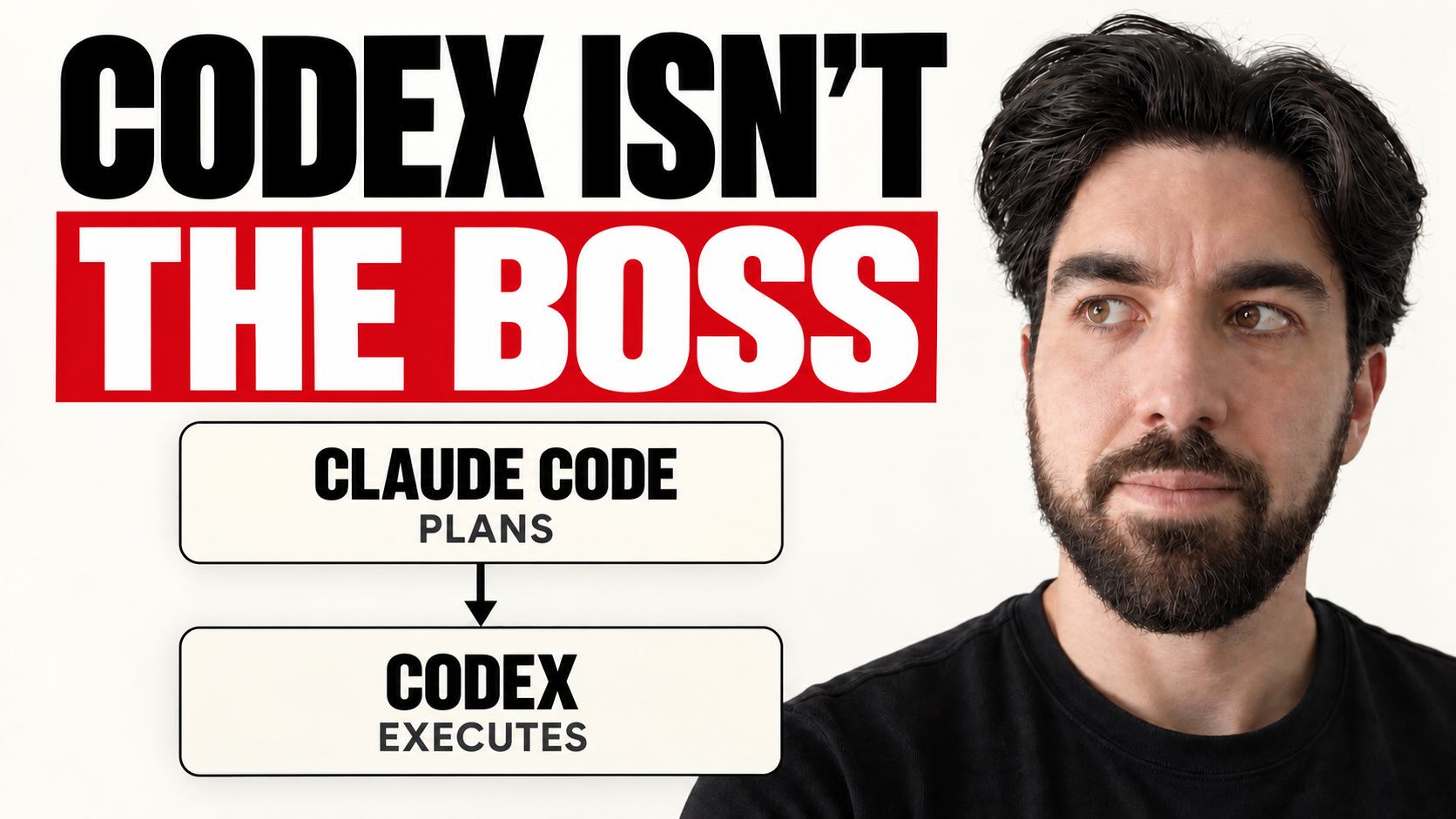
So I often use Claude Code to manage the work and Codex to execute parts of it. In the setup I recorded, I connected Codex through an MCP server, giving Claude Code a tool it could call to delegate that work. This describes my recorded setup, not a current installation guide.
At the time of this setup walkthrough, I preferred Fable 5 for planning and management, GPT-5.6 Sol for execution, often with medium thinking, and Luna for lighter work. I also use Opus 5, but prefer Fable when I have capacity available.
For writing, I’ve liked Kimi K3 in our own comparisons. In our applications, we also use DeepSeek V4 Flash, including for the AI tutor on our course platform, and have been using Kimi K3 more recently.
Those are my working preferences at a point in time. I haven’t established a universal winner across these jobs. The useful decision is choosing what each task needs and being able to change that choice without rebuilding everything around it.
I move nonurgent work out of my daytime window
Usage limits are a practical part of my setup. I can use up my weekly Claude allowance in two or three days, and I currently have two Claude subscriptions plus Codex.
Buying more access doesn’t remove the need to decide where the work goes.
One example is my daily AI news recap. I have a skill that gathers material from social platforms and the web. I run it at night so it competes less with the short usage windows I need while I’m actively working.

From the recording at 7:47. These are recurring jobs I can move outside my active work hours, not extra usage allowances.
Overnight work still uses tokens. It can still count toward weekly limits, and a long job can overlap the next day’s usage window. This is scheduling work around my day, not making it free.
I use the same reasoning for model choice: give planning to the model I trust for that job and delegate execution when it works well. I don’t have a measured savings percentage to promise you. It has been a useful way for me to distribute the work.
I maintain the vault and the skills
The final part is upkeep.
I have a recurring Codex task that maintains my Obsidian vault. It adds missing links, deals with duplicate notes and makes parts of the writing more concise. Otherwise, the archive keeps growing while finding the right information gets harder.
I also ask my skills to learn from the exchange that just happened. What needed correcting? What instruction was missing? What should be kept for the next run?

From the recording at 12:55. This is an instruction to retain useful feedback, not proof that every automatic edit improves a skill. The surrounding blur is in the original video.
In the public template, that feedback has its own file next to the skill. Useful corrections can become part of the instructions instead of disappearing into another chat.
This gives me two chances to improve the setup: maintenance across the vault and feedback inside a specific workflow. Both matter because I want the next task to start from what I learned last time.
The part I would copy first
You can start much smaller than my full setup.
Create one folder for the notes an agent repeatedly needs. Add a short index. Write one skill for a task you actually do, with an example of a good result and a way to check it.
Try that from your current tool. Then try it from another one. The places where you still have to explain things again will tell you what is missing from the files.
Add sync when you need another device. Add an always-on host when closing your laptop interrupts work you want to continue. Add scheduling when there is a recurring job worth moving out of your way.
My Obsidian template is available if you want a starting structure.
See the recorded setup walkthrough.
I’d be interested to hear which part of your setup still gets in the way, or what you’d change in mine.
FAQ
Do I need Obsidian to use this approach?
No. The reusable layer is a set of files and indexes. I use Obsidian because it is convenient across my devices, but another arrangement that lets your agents read the relevant files can serve the same purpose.
Does my laptop have to stay open?
The machine actually running a local agent needs to stay awake and reachable. My Mac mini can be that host, so the laptop I use to connect to it can close.
Why do I run Codex from Claude Code?
In the recorded setup, I used Claude Code for planning and Codex for execution through MCP. I also use Codex directly for scheduled jobs. This is a choice based on my workflow, not a universal ranking.
Do overnight jobs avoid usage limits?
No. They still consume usage and can count toward weekly limits. I schedule nonurgent tasks overnight to reduce competition with my active daytime work.
Does the Mac mini run the AI models locally?
No. In this setup, the Mac mini hosts the agent tools, files and running sessions. That is separate from running the underlying frontier models locally.